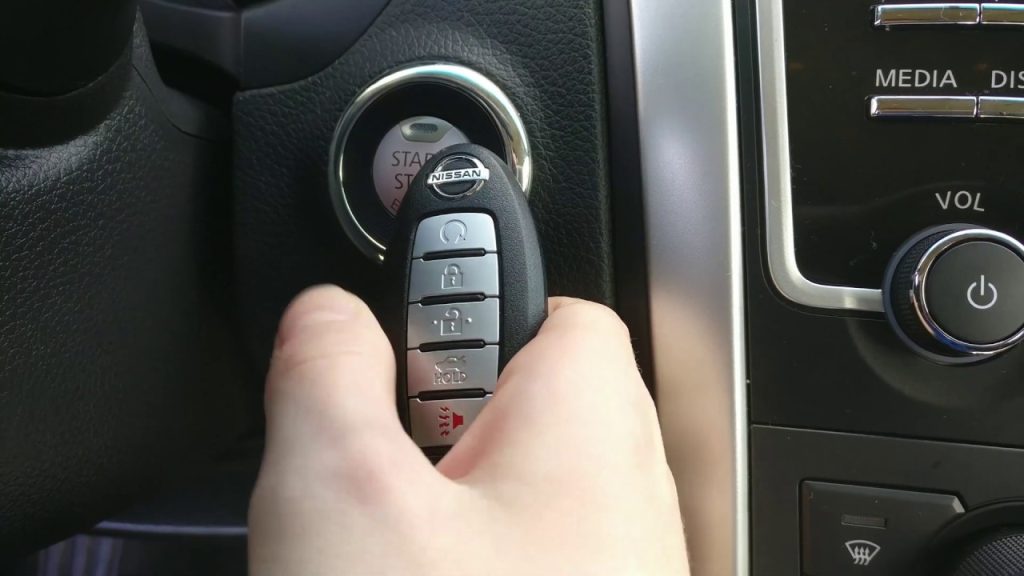

A dead key fob battery may stop remote unlocking while the vehicle's approved mechanical-entry and backup-start methods still work. Find those methods in the manual for your exact model. There is no universal rule that every fob must be held against the start button.

Credit: www.tiktok.com
First distinguish the two batteries
The small battery inside the fob and the vehicle's main battery do different jobs. Observe which functions are unavailable before buying parts.
- Reduced remote range or a key-battery warning can point toward the fob cell.
- A spare fob that works normally helps narrow the problem to the first fob.
- A dark or weak vehicle electrical system may involve the vehicle battery instead.
These are clues, not proof. Interference, a damaged fob or another fault can also affect recognition. Record the dashboard message exactly if the vehicle still has power.
Prepare before opening the fob
Check the manual's battery type, opening method and polarity diagram. A case that looks similar to another model may use a different cell or release mechanism.
- Find the correct battery designation rather than choosing by appearance alone.
- Use the specified opening point to avoid damaging the case or circuit board.
- Keep button cells and opened fobs away from children and pets.
If a cell is swallowed or placed in the body, seek emergency help immediately. Do not leave the old battery loose on a table while continuing the repair.
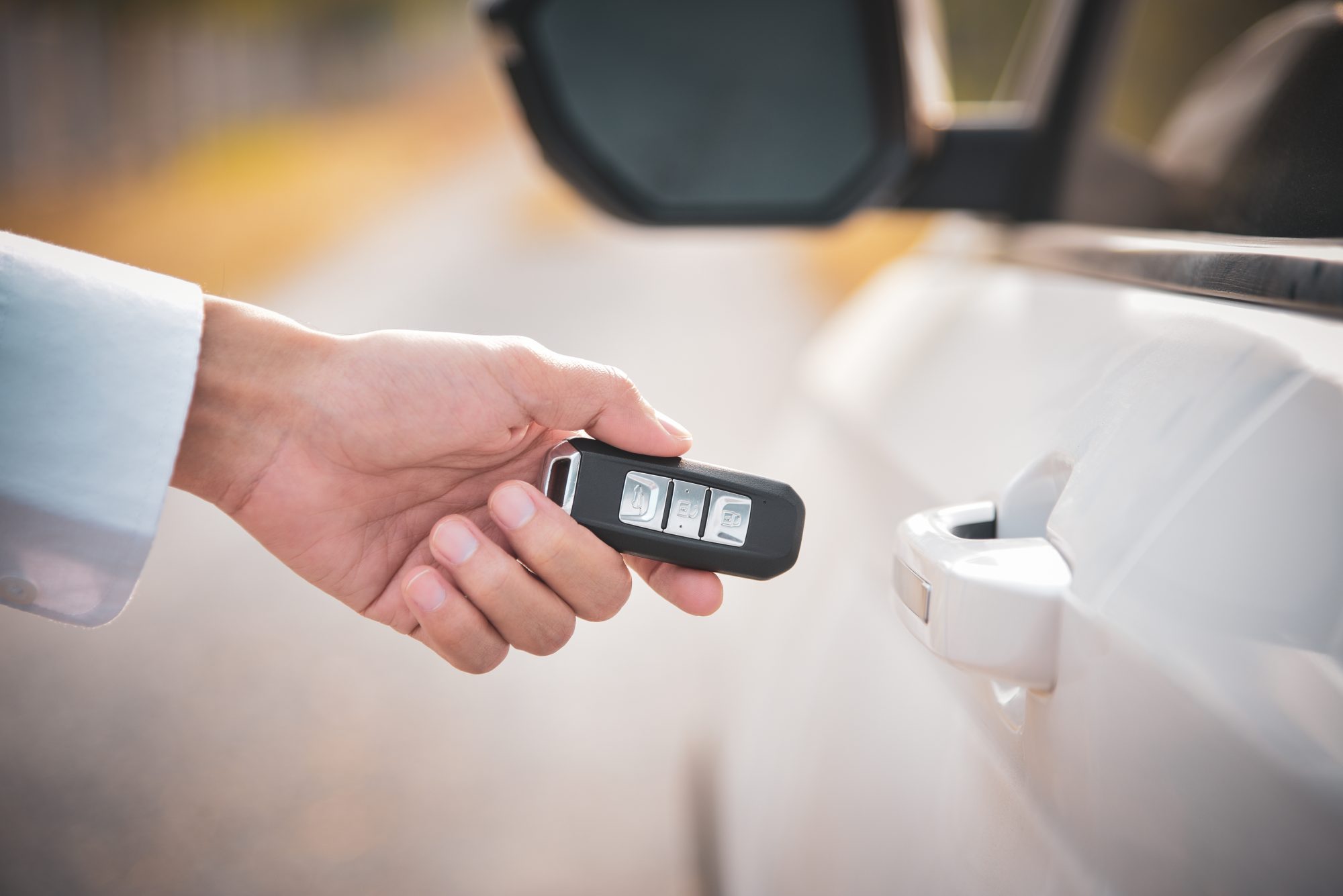
Credit: www.mrtyre.com
Getting into the vehicle
Use only the entry method provided for your vehicle and an authorized key. If you cannot identify it safely, roadside assistance or the manufacturer can help with the exact model.
Try the known-good spare
A spare can resolve the immediate access problem and provide a comparison. Keep the first fob for diagnosis rather than discarding it just because it failed once.
Find the mechanical key and lock instructions
Many fobs include a removable mechanical key, and some door locks are concealed by a cover. Follow the manual's removal procedure; prying at an unidentified trim piece can damage it. Mechanical entry may also trigger the alarm until the vehicle recognizes the authorized key.
Use the specified backup-start position
Ford: passive key backup position example illustrates an application with a designated backup slot. Its location and fob orientation are model-specific. The general lesson is to locate your vehicle's backup reader and follow its instructions, not copy the pictured console arrangement to another car.
Replace the fob cell correctly
Once access is secure, follow the battery replacement instructions for the actual fob. This is a battery service, not permission to change immobilizer programming.
- Confirm the cell designation and polarity before removing the old cell.
- Open the case at the prescribed point without forcing the board or contacts.
- Remove the old cell and keep it out of reach of children and pets.
- Fit the specified replacement in the orientation shown by the manual.
- Close the case securely and test the normal functions while retaining access to a spare or mechanical key.
Dispose of the used cell through the appropriate local battery collection route. Keep any spare cell in secure packaging so it cannot be mistaken for a small toy or left loose with metal objects.
If a new battery does not solve it
Check the simple replacement details before concluding the fob needs programming. A wrong cell, reversed polarity or damaged contact can leave the original symptom unchanged.
- Compare the installed cell with the manual's designation.
- Recheck orientation and case closure without bending contacts.
- Try the known-good spare and record whether the vehicle responds differently.
If neither fob works, broaden the investigation to the vehicle and surrounding conditions. Buying another fob is not a complete diagnosis of a recognition problem.
A practical backup plan
Prepare while access is easy rather than waiting for the next failure.
- Know where the mechanical key and concealed door lock are located.
- Save the model-specific backup-start instructions where you can access them without the car's screen.
- Store the spare securely and periodically confirm that it works.
For passive-entry storage and theft precautions, see keyless-car protection checks. Battery recovery and theft prevention address different problems.
When professional assistance is the next step
A damaged case, liquid exposure, missing mechanical key or persistent recognition failure can require an authorized locksmith, dealer or repairer. Explain what changed after battery replacement.
Provide the model year, exact message and the result with each available fob.
- Remote buttons fail but backup recognition succeeds.
- Neither remote nor backup recognition works.
- The vehicle itself has little or no electrical power.
Those are different diagnostic branches. A useful service response should identify the failed function rather than prescribe programming for every dead battery complaint.
Common questions
Does a non-working remote prove the battery is dead?
No. Compare with a spare and follow the cell checks, but keep damage, interference and vehicle-side faults in consideration if replacement does not help.
Will the metal key always start the engine?
No. It may provide door access only. Starting still depends on the vehicle's authorized-key recognition and specified backup procedure.
Is pressing the start button with the fob universal?
No. Some systems use another reader location or orientation. Find the correct instructions rather than repeatedly trying an assumed method.
Is there one replacement interval for every fob?
No. Follow the vehicle's warning and maintenance guidance. Usage, cell condition and fob design vary; a universal annual schedule is not established here.
Before you drive away
Confirm that the vehicle recognizes the key and that you understand how to restart it if the remote problem remains. Do not leave the only usable key inside while testing locking behavior.
Keep the replacement-cell details and backup-start location with your vehicle notes. They turn the next access problem into a known procedure rather than a search for a universal trick.


Automotive reference information. Confirm specifications in the manual for your exact vehicle. Original replacement guides link to their research sources. About us