
No: you should not assume every device sold as an OBD2 scanner can erase every code. Many readers support clearing ordinary emissions-related diagnostic information on compatible vehicles, but that is different from clearing faults in every module.
Permanent emissions codes are another important exception: a scan-tool erase command does not remove them simply because you want the warning history gone. Check the exact tool, vehicle and code type before deciding what is possible.
More importantly, save the evidence and establish the repair need before using erase. A successful command can change what the scanner shows without resolving the condition that originally set the code.
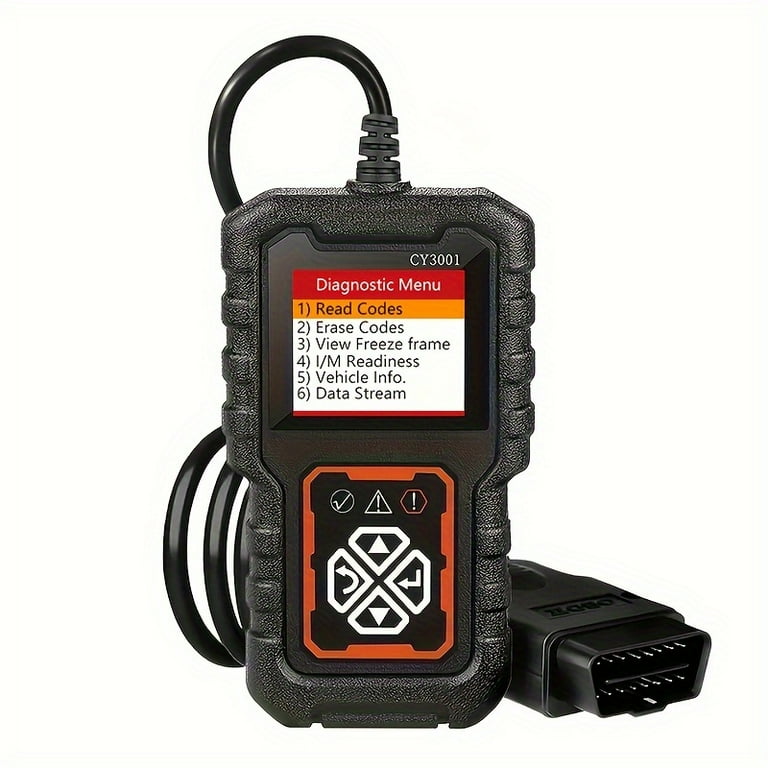
Credit: www.walmart.com
A scanner's label does not define every function
The term scanner covers basic readers, adapters with apps and more capable diagnostic platforms. Their menus and supported systems vary.
A product's ability to read a code does not automatically establish that it can clear that code in the same module. Verify the function in the exact model's documentation rather than treating the product category as a specification.
Reading and erasing are separate requests
A read operation asks the vehicle for information. An erase operation requests a change to stored diagnostic information under supported conditions.
The vehicle and tool must both support that operation.
If it fails, record the response.
Repeatedly sending the command does not identify whether the problem is coverage, procedure, communication or a fault that remains active.
Why the distinction matters to a repair
Codes can preserve evidence of an event that is no longer occurring when the car reaches a workshop. Clearing first may remove useful context.
An intermittent condition becomes harder to investigate if the only record disappears. Saving the original code, status and associated data gives a later diagnosis a stronger starting point.
Find the documented function list
Look for a specific erase or clear function in the tool manual, not just a claim that it diagnoses vehicles. Check whether the description refers to generic emissions information or enhanced modules. A reader may offer one while lacking the other. The correct purchase decision depends on the system you need to investigate.
Preserve the full code and status
Write down the entire identifier, reporting module and status shown. A screenshot of only the description loses detail. A pending finding, a confirmed stored finding and a permanent code are not interchangeable labels. If the tool's wording is unclear, consult its documentation before deciding that something failed to clear.
Save useful operating information too
Where supported, retain freeze-frame and relevant live-data observations before a reset. Record units and conditions. This does not require collecting every parameter; choose information connected to the complaint. A carefully described snapshot can be more useful than a long export with no indication of when or why it was taken.
Keep a dated record outside the scanner
Export, photograph or write down the results so they survive an erase command or a tool reset. Include mileage, symptoms and recent work.
If another person will diagnose the vehicle, tell them what has already been cleared. That avoids interpreting an empty memory as proof that the car never recorded a fault.
What an ordinary erase command changes
Depending on the system and supported operation, clearing can remove diagnostic information and reset emissions-monitor readiness. It does not physically repair a leak, connection or failed component. The AL319 manual warns about the consequences of its erase function; use the equivalent instructions for your own device.
Permanent is not a stronger erase setting
California BAR's OBD reference explains that permanent diagnostic trouble codes are not removed by a scan-tool clear or battery disconnection. The vehicle must satisfy the relevant criteria after the underlying issue is corrected.
Buying a more expensive reader does not turn this into a universal delete operation.
A light going out is only one observation
The warning may remain off until the system tests the condition again.
A fault may return immediately or only under specific operating conditions.
Record the outcome, but do not call the repair complete solely because the lamp disappeared after erase.
Verification must follow the vehicle's diagnostic procedure and the original complaint.
Basic readers can be useful within their scope
A modest reader may read and clear supported emissions information successfully. That does not make it an ABS, SRS or body-module tool. If your goal concerns a different warning, check that system separately. Trying the engine erase option repeatedly will not expand the device's access to another control module.
Enhanced tools still have coverage limits
A more capable platform may provide additional module access, but support depends on the vehicle and function. Read its coverage information carefully.
Module identification or code reading alone is not proof of every reset operation. Software packages and versions can matter, so preserve those details when checking support or contacting the manufacturer.
Professional equipment does not cancel prerequisites
Some operations require specific conditions, authorization or a documented procedure. A professional tool may display a function that is inappropriate before the repair is complete.
Its availability is not permission to experiment. Confirm what the command does and what preparation is required before changing stored information or system state.
Diagnose an unsuccessful clear by its context
Separate a rejected command from a code that clears and returns. The first suggests checking procedure, support or communication.
The second can indicate that the fault condition is still detected. Record the exact timing and message.
Without that distinction, replacing the tool or the named component is only a guess.
Check the operating state required by the tool
The erase procedure may require ignition on with the engine off or other documented conditions. Follow the exact instructions rather than assuming that the engine should run because live data was viewed moments earlier. If the prompt conflicts with your understanding, stop and verify the model's manual before continuing.
Check the correct module and vehicle profile
A successful connection to one module does not prove that another module is accessible. Use the proper vehicle identification where required.
Do not select a similar model merely to reveal an erase menu. Incorrect selection can produce misleading information and is not a valid workaround for missing support.
Consider software limitations without inventing promises
An update may resolve a known issue, but it is not a guarantee of new coverage. Check official information for the exact product and version.
Avoid unofficial firmware or unrelated files. If support cannot confirm the required operation, treat that function as unavailable for planning purposes until there is reliable evidence otherwise.
Clearing is not the same as repairing
A reset can change the record while leaving the root cause intact. A loose connection, damaged wire or mechanical problem still needs diagnosis and correction.
Use the code to guide investigation, then verify the repair.
Repeated clearing may delay that work and make an intermittent complaint harder to reproduce.
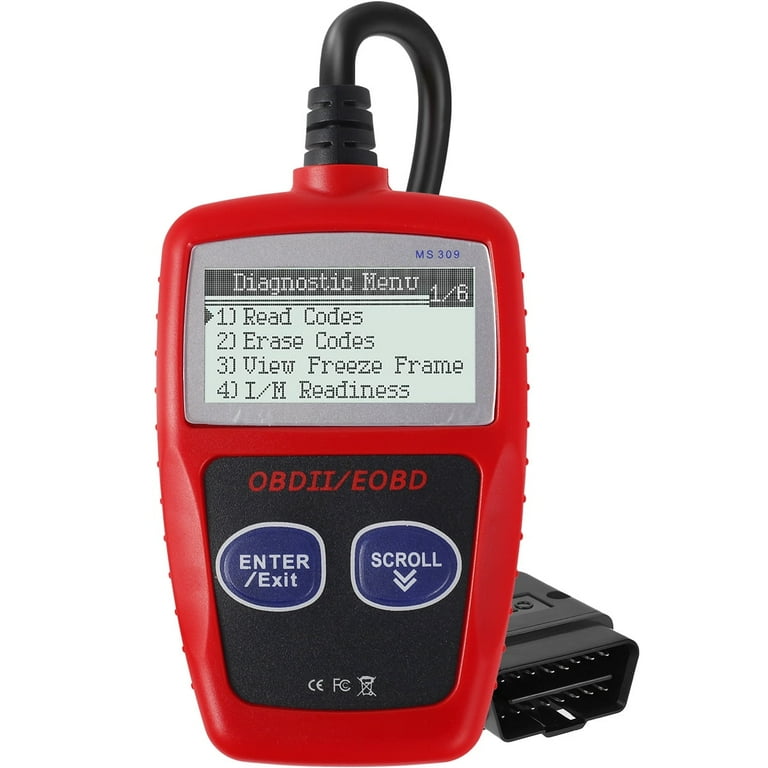
Credit: www.walmart.com
Not every warning belongs to generic OBD
A maintenance reminder, tire-pressure warning and airbag warning can involve different systems and procedures. Do not apply an engine-code erase command to all dashboard lamps in your reasoning. Identify the symbol and required service information first. The right tool depends on what needs to be read or changed.
Battery disconnection is not a universal substitute
Disconnecting the battery can affect settings and diagnostic information, yet it does not provide a reliable way to remove every code or prove a repair. It also cannot be used to erase permanent codes as a general workaround.
Avoid using it simply because a scanner's erase function is unavailable or unsuccessful.
Choose a tool for diagnosis, not deletion alone
Ask whether it can retrieve the information needed to establish the fault.
Consider status, freeze-frame and required module access before focusing on clear capability.
A device that erases a warning but cannot provide the evidence needed for diagnosis may be a poor match for the actual problem you are trying to solve.
Decide what information you need to keep
Before an erase operation, create a short checklist for that vehicle: code identifiers, module, status, freeze-frame, readiness and relevant symptoms. Save only what is available and label anything unsupported. This produces an honest record instead of implying that the tool performed checks outside its capabilities.
Readiness requires separate attention
A reset can leave supported monitors incomplete. Delaware DMV explains readiness concerns in inspection guidance. Do not clear codes immediately before an inspection expecting an automatic pass. Use the rules for the applicable program and verify actual status rather than assuming a fixed driving distance is sufficient.
Plan verification around the original fault
After a confirmed repair, follow the prescribed operating conditions and checks. Some faults are intermittent or depend on temperature and load. A short idle may not reproduce them. Record what was tested and what remains unverified so the absence of a returning code is interpreted within the limits of the test performed.
Ask a technician for evidence, not just a reset
A useful repair explanation identifies the finding, corrective work and verification. Ask what confirmed the failed part or condition. A scan report alone may not answer that question. Retaining both the initial and final records helps you understand whether the repair addressed the original fault or merely changed the warning display.

Credit: www.amazon.com
Use reviews to assess usability carefully
Owner feedback may describe screen clarity or connection convenience, but it cannot establish coverage for your exact vehicle. Verify claims against the manufacturer documentation. A reviewer saying that a tool cleared their code does not prove it will clear a different code in a different module on your car.
When a code remains, keep its identity
Record whether the remaining entry is permanent, pending or another status. Compare it with the pre-repair record and the vehicle's verification requirements.
Do not keep erasing simply because the screen is not empty. A retained entry may require completed vehicle checks rather than another command, while an active fault needs further diagnosis.
Do not treat an inspection result as universal
Inspection programs evaluate specific criteria. A scanner summary is not a promise of acceptance.
Check the applicable rules. Keep any official failure report.
Use that report to identify the required repair or documentation. Passing one emissions check also does not certify the condition of every unrelated system on the vehicle.
The right endpoint is a verified repair
Use erase only when appropriate to a documented diagnostic or service process. Save evidence first.
Check the exact tool's support and the code type. If a warning returns, investigate the condition instead of chasing a stronger reset.
An empty code list is not a substitute for confirming that the original problem has been resolved.


Automotive reference information. Confirm specifications in the manual for your exact vehicle. Original replacement guides link to their research sources. About us


