
There is no universal ignition-key sequence that reliably displays OBD2 trouble codes on every Hyundai. A warning lamp tells you that a system needs attention; it does not necessarily provide the stored code.
To obtain actual diagnostic information, use a compatible reader, a suitable adapter and app, or a service provider with the required equipment. You can avoid buying a dedicated handheld scanner by borrowing equipment or arranging a scan, but that is different from retrieving codes with no diagnostic interface at all.
Before trying a supposed shortcut, identify the model year, engine and exact warning. This prevents an unverified dashboard trick from replacing a necessary diagnosis.
What the warning does and does not tell you
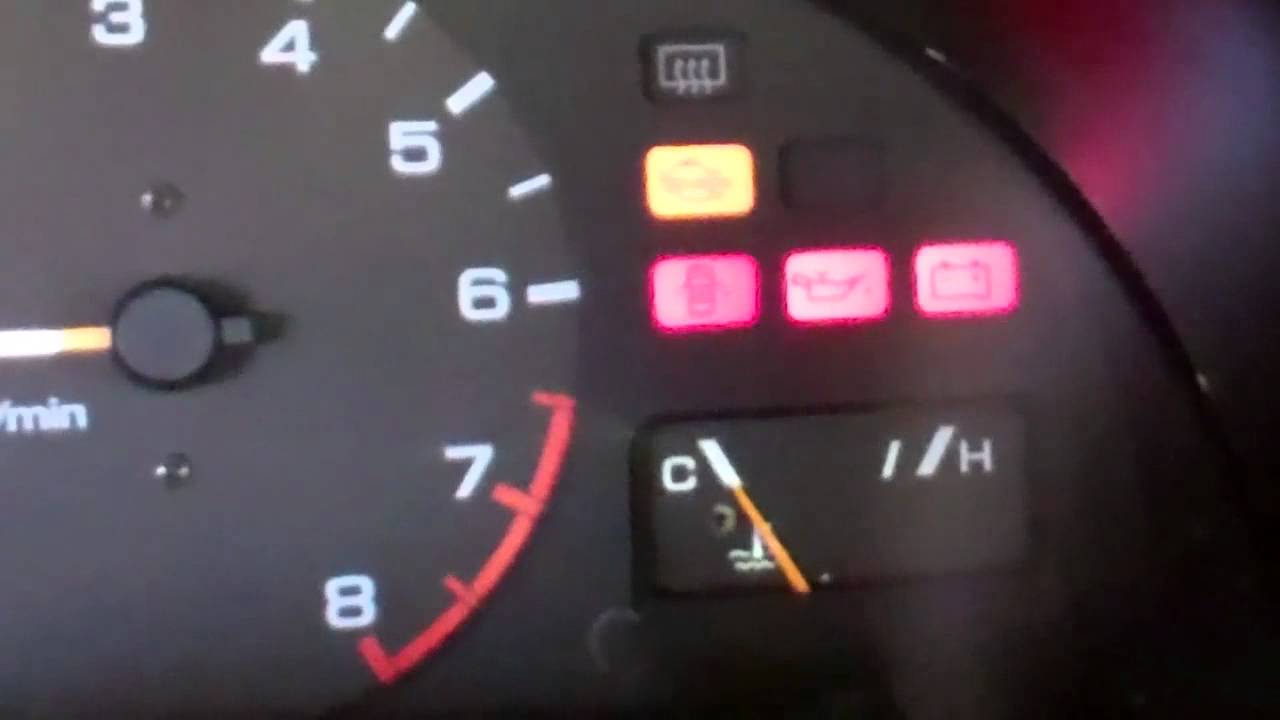
A check-engine lamp indicates that the vehicle has detected a relevant condition. It does not identify the failed component by itself. Hyundai's warning-light guidance distinguishes the malfunction indicator from oil-pressure and other warnings. Start by identifying the symbol accurately, because urgency and the appropriate next action depend on which warning is actually present.
Record the code rather than a guessed description
An OBD code is an alphanumeric identifier stored by a control system. When a scan becomes available, record the full identifier, its status and the reporting module. A verbal description such as oxygen sensor problem loses information. It can also encourage an unnecessary purchase before the circuit, operating conditions and diagnostic procedure have been checked.
Model and market information matter
Hyundai vehicles vary by generation, engine and market. Instructions for an older model or a different country's vehicle may not apply. Use the vehicle's own manual and matching service information when checking any claimed built-in diagnostic feature. The existence of a dashboard test on one model is not evidence of universal code retrieval across the brand.
What you can do before obtaining a reader
Write down the warning, mileage, recent work and symptoms. Note whether the engine starts normally, runs roughly or loses power. Photograph the lamp while safely parked. Do not disconnect the battery simply to make the warning disappear. Preserving the initial evidence gives the eventual scan a better chance of explaining what happened.
Gather identification and history first
Have the model year, engine and VIN available for the repairer or equipment provider. Include recent battery work, refueling, maintenance and any earlier codes you saved. This information does not diagnose the fault, but it helps choose compatible equipment and directs attention to relevant changes instead of unrelated possibilities.
Separate ownership cost from diagnostic access
Borrowing a reader or paying for a scan may cost less than buying a tool that cannot access the needed system. An adapter-and-phone arrangement is another form of scan equipment, not a software-only shortcut. Check the complete hardware and software combination before spending money, particularly for ABS, airbags or manufacturer-specific functions.
Find the socket without modifying anything
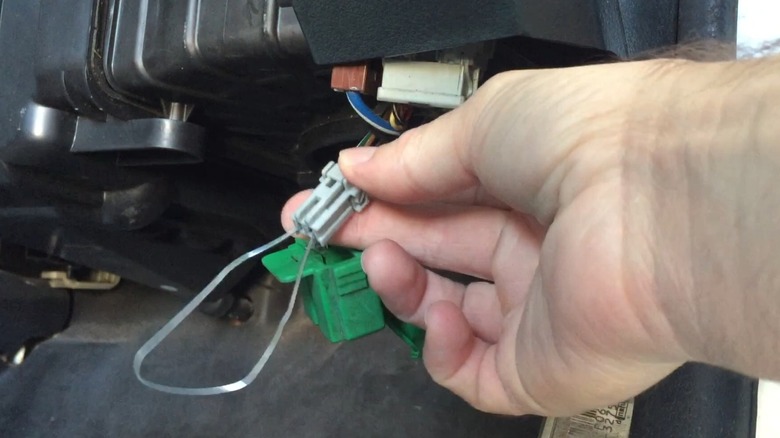
Use the owner's information to locate the diagnostic connector. Do not pull apart unrelated trim or probe electrical sockets until one seems to fit. Inspect the connector visually for damage. A compatible plug should seat normally; forcing it or bridging pins can create a new electrical problem before any useful data has been collected.
Verify the correct connector for the year
Older vehicles and unusual applications require particular care. A connector's position or appearance is only part of identification. Confirm the vehicle's diagnostic system and the tool's documented support. If the instructions require an adapter, verify the software support as well, because changing the plug does not create missing diagnostic capability.
Avoid a universal location claim
Many passenger vehicles place the diagnostic connector within the driver's area, but trim and market differences matter. If you cannot find it, consult the exact manual or ask a technician. Removing panels at random risks damaged clips and wiring, while an accurate location diagram resolves the question without guesswork.
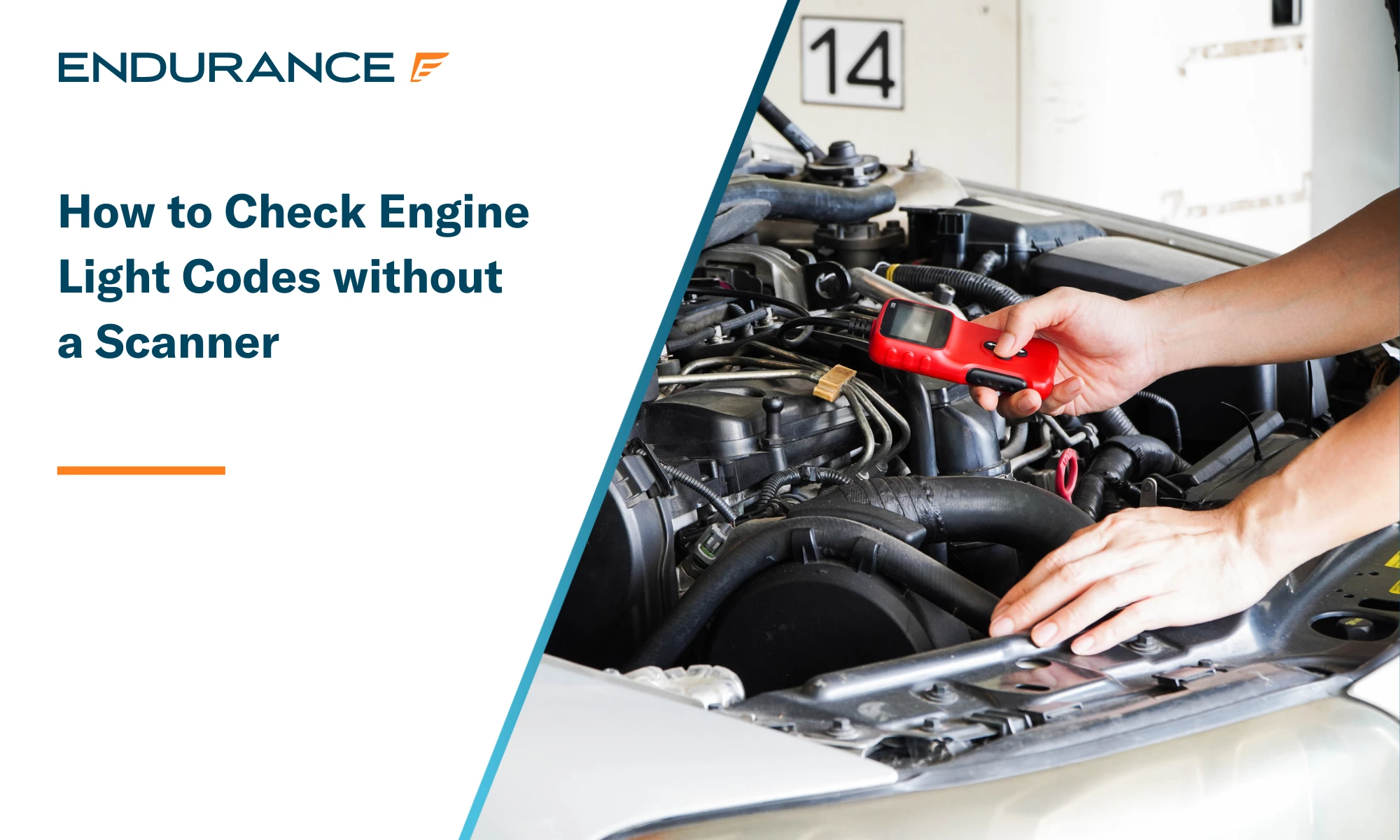
Credit: www.endurancewarranty.com
Why a key-cycle recipe is not a reliable plan
Internet instructions often combine procedures from unrelated manufacturers or older diagnostic systems. Unless Hyundai documents the sequence for your exact vehicle, do not promise that turning the key repeatedly will reveal its OBD2 codes. A dashboard response may be a normal bulb check or a different test rather than the information you need.
Do not convert a bulb check into a code
Lamps commonly illuminate during startup checks. Their appearance or disappearance should not be translated into a trouble-code number without model-specific documentation. If the engine warning remains on, arrange a proper readout. Guessing at flash counts can waste time and may obscure a more urgent warning that needs an immediate response.
Treat unusual flashing as a warning to investigate
A flashing lamp is not automatically a diagnostic counting system. Check the vehicle's warning instructions and symptoms. If the engine is running severely rough, power is reduced or a serious warning appears, stop safely and obtain assistance. Do not keep driving solely to see whether a repeatable flash pattern emerges.
A phone needs a compatible vehicle interface
A normal phone cannot read the vehicle's diagnostic network merely because an app is installed. It needs a supported adapter or another documented vehicle connection. Confirm the adapter, app and operating-system combination before purchasing. A successful wireless pairing is only one step; communication with the intended vehicle module must also be supported.
Choose an app by verified coverage
Identify the required function first. Check the app's supported adapter list.
- Check the operating-system requirements.
- Check whether enhanced Hyundai access is included or separate.
- Confirm that the relevant year and module are covered.
Avoid choosing solely from a screenshot showing many gauges, because attractive displays do not establish access to the warning system you need.
Establish the connection without losing evidence
Follow the adapter's instructions. Use the required ignition state.
- Keep the vehicle parked.
- Pair through the documented method.
- Select the correct vehicle where requested.
- Read codes before erase options.
Save the available results.
If communication fails, record the exact error instead of switching randomly between profiles or repeatedly disconnecting the battery.
Turn the first readout into useful information
Keep the full codes and their statuses, then compare them with applicable diagnostic information. Record freeze-frame values if available and note their units.
This is evidence for a fault-finding process, not a definitive parts list. If a shop will continue the diagnosis, provide the raw results as well as your description of the symptoms.
A familiar code can have several causes
A misfire-related code does not establish that a spark plug is the only possible cause. A lean-condition code does not prove that an oxygen sensor has failed. Electrical, air, fuel and mechanical conditions can interact. Use the vehicle-specific test sequence to distinguish causes rather than buying the first part mentioned in a search result.
Use reliable interpretation for the exact application
Consult Hyundai service information or a qualified technician for the code's setting criteria and diagnostic checks. Generic reader descriptions can be brief. Manufacturer-specific data may require additional coverage. The AL319 product documentation, for example, describes a defined reader feature set; it does not establish all-module Hyundai diagnosis simply because it reads emissions information.
Decide whether the vehicle should move
Separate obtaining a code from deciding whether driving is safe. A scan cannot make an oil-pressure warning or severe mechanical symptom harmless. Follow the owner's warning instructions first. Arrange recovery when required rather than driving to a free scan location just because it is nearby. Safety decisions should not wait for a convenient code readout.
Do not prescribe a common fix without a finding
Check a simple item only when it is relevant and safe. For example, a recently handled cap can be inspected according to the manual, but that does not explain every engine lamp.
Record what you found. Do not clear the warning to prove the guess.
A confirmed repair requires evidence that the original fault condition has been addressed.
Recognize the limits of a basic scan
A reader may communicate with the engine while missing another module. It may report no stored emissions code even though an intermittent or mechanical complaint remains.
Describe the symptom to the technician rather than presenting a blank screen as proof of health.
Specialized tests may be needed even when the initial electronic information is limited.
Credit: www.slashgear.com
Preserve maintenance records that affect diagnosis
Service dates, installed parts and oil or fuel details can help explain when a problem began. Keep receipts and previous scans together. This is particularly useful when a symptom starts immediately after work, because the affected area can be checked without assuming that the new part or the old fault is necessarily responsible.
Check the warning instructions before continuing use
The Hyundai manual's indicator explanations show why different lamps require different responses. Use the manual for your own vehicle, not just the linked example.
If the meaning is uncertain, photograph the symbol safely and seek identification before continuing a trip that might worsen the condition.
Make the repair visit more efficient
Tell the repairer whether the light is constant or intermittent, what the car was doing and whether any reset has already been attempted. Supply saved codes rather than relying on memory.
Ask what tests will confirm the cause.
A clear handover is more valuable than arriving with an unverified code guessed from an ignition sequence.
Credit: www.youtube.com
The practical way to avoid buying a scanner
Borrow a compatible tool, use a documented adapter-and-app setup or arrange a professional readout. Confirm the coverage before relying on the result.
Keep the information intact until diagnosis is complete. Without a Hyundai-documented built-in code display for the exact model, there is no dependable scanner-free recipe to substitute for that process.


Automotive reference information. Confirm specifications in the manual for your exact vehicle. Original replacement guides link to their research sources. About us


