
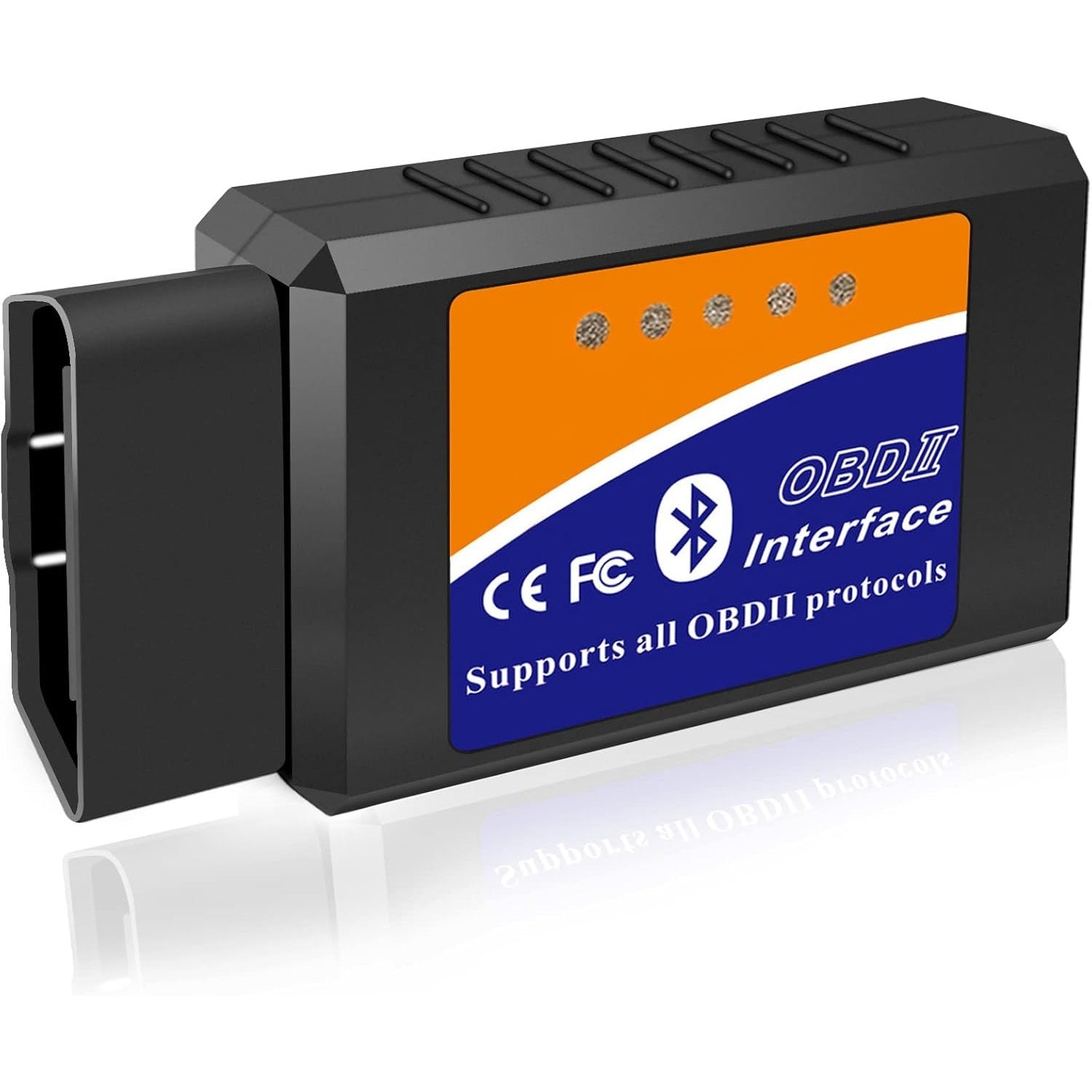
Using a Bluetooth OBD2 scanner involves two connections: your phone or tablet must communicate with the adapter, and the adapter must communicate with the vehicle. A Bluetooth pairing message confirms only the first connection. Before plugging in the device, verify that the exact adapter, app and operating system are supported together. Then follow that product's setup instructions, establish the required vehicle ignition state and begin with a read-only scan.
Do not guess a pairing code, install a random app or repeatedly press erase when the connection fails. Different products use different setup paths. Some pair through the phone's settings; others are discovered inside their own app. A generic tutorial cannot safely replace those instructions.
This guide explains the decisions and checks that apply across supported setups while keeping model-specific details separate. It does not promise that every Bluetooth adapter works with every iPhone, Android device or vehicle. If a serious warning or unsafe vehicle condition is present, address that first rather than treating successful pairing as permission to drive. Carry out the initial setup while parked, with the vehicle secured and any cable or adapter clear of your legs and the pedals.

Credit: www.youtube.com
Build a compatible connection from phone to vehicle
Start by reading the adapter's full model identification. Similar-looking devices can use Bluetooth Classic, Bluetooth Low Energy or another transport, and the app must support the particular implementation. OBD Auto Doctor: supported adapter connection types shows that operating-system support differs among adapter types. An iPhone having Bluetooth does not mean it can use every generic Bluetooth serial adapter. Check the application's supported-device list and the adapter manufacturer's instructions together. If the two sources disagree, ask support before buying software or changing vehicle settings. Also confirm the vehicle coverage for the diagnostic task, including market and model year where relevant. OBDLink: adapter and vehicle compatibility FAQ is an example of a manufacturer separating those requirements rather than describing all vehicles as identical. Download the application through its official source and confirm the developer identity.
Avoid software links supplied only in an unverified message or marketplace comment. Review the permissions the app requests and the manufacturer's explanation for them. A missing permission can prevent device discovery on some platforms, but granting every possible permission without understanding it is not a troubleshooting strategy. Use the current instructions for your phone version. If an account or license is required, complete that through the official process and keep credentials private. Before connecting, locate the vehicle's diagnostic socket using the manual or reliable model-specific information. Inspect the adapter and accessible socket visually for obvious damage. Do not force a connector that does not align, and do not use an improvised extension to overcome a physical obstruction. A badly placed adapter can interfere with foot movement even if it communicates correctly.
Follow the device's stated ignition sequence for insertion and setup. Do not assume that the accessory position wakes all controllers. Equally, do not start the engine automatically for every app screen. The required state depends on the procedure. If the instructions call for a running engine, use adequate ventilation and keep the vehicle safely stationary. Next, use the correct pairing route. FIXD: sensor setup guide provides a useful product-specific example: FIXD instructs users to enable Bluetooth and set up the sensor through its app rather than pairing it in the phone's Bluetooth settings. That example should not be copied to unrelated hardware; it demonstrates why the official route matters.
For a product that requires system pairing, use its documented identifier and code rather than trying common numbers from another brand. If several adapters or nearby devices appear, select the one whose identity you can verify. Do not connect to an unfamiliar device simply because its name includes OBD. Once the host connection is established, select the appropriate connection type and vehicle profile in the app. A profile intended for another vehicle may request unsupported information or use misleading labels. Begin with the app's documented generic diagnostic mode when that is the intended task, and use enhanced profiles only when their application is clear. Wait for the vehicle connection status rather than assuming that an adapter light proves a completed scan. A light can indicate power or host activity without establishing controller communication.
Save the exact error if the vehicle session fails. Check the ignition state, selected adapter, supported platform and app settings in an orderly sequence. Close other diagnostic apps that may be trying to use the same adapter, following the manufacturer's guidance. Do not repeatedly uninstall software before recording the version and error details. That can make support less informative and may remove saved reports. A phone-to-adapter problem and an adapter-to-vehicle problem should be investigated separately. If the app connects but reports no codes, confirm that it actually completed a read from the intended module. No response is not the same as an empty fault list.
If generic powertrain access works while an ABS or transmission menu fails, check coverage before suspecting a vehicle defect. Bluetooth is only the connection method; it does not expand the adapter's diagnostic scope. When a first scan succeeds, save the code values, status and available event data. Do not clear them as part of testing the connection. EPA: performing onboard diagnostic system checks distinguishes inspection of diagnostic records from their later use in repair, and preserving the original evidence is useful in an owner workflow as well. If the app offers live data, choose a small set related to the question you are investigating. A dashboard full of changing values can be distracting and harder to interpret. Record units, engine state and whether the vehicle was cold or warm.
Do not handle the phone while driving to watch the display. Any road recording should follow an appropriate safe procedure with the device secured and a clear purpose, rather than an improvised attempt to chase a symptom. For a beginner, a stationary read and a saved report are a better starting point. Be cautious with active tests, coding and reset menus. Their presence does not mean they are suitable for the vehicle's current condition or your task. If an action is not part of a known procedure, leave it alone. Wireless convenience does not remove the consequences of sending a command to a controller. Treat the first session as evidence collection, not as an invitation to explore every button.
Credit: medaidco.com
Finish with saved data and a clear disconnect plan
Before ending the session, confirm that the report is stored somewhere you can reopen. A screenshot of a code definition may omit its status or module, so save the complete relevant record where the app allows it. Note the adapter model, app version and vehicle details in case the information is later reviewed by a repairer. If the connection was unreliable, record whether the failure occurred during phone discovery, vehicle linking or data retrieval. That distinction is more useful to support than saying only that Bluetooth does not work. End the diagnostic session using the app's instructions and follow the device guidance for disconnection. Do not remove an interface during an active programming or service operation. For an ordinary read session, the product and vehicle instructions should determine the shutdown sequence. Do not leave a generic adapter installed indefinitely unless its manufacturer and the vehicle's requirements support that use.
Power management, physical clearance and security features differ among products. A device that fits beneath the dashboard may still be unsuitable to leave in place around the driver's feet. Store it dry and avoid pulling on a cable to remove a connector. If another person uses the vehicle, ensure that they are not surprised by an unfamiliar adapter or trailing lead. A repeatable setup is more valuable than a one-time connection achieved by random setting changes. Keep a short note of the supported app, connection method and vehicle profile so the next session starts correctly. For example, record that the adapter was discovered inside a particular app rather than paired through system settings, if that is what its documentation requires. Record any manufacturer-confirmed platform limitation as well. If a new phone or app update changes the behavior, you then have a known starting configuration for troubleshooting.
The scanner troubleshooting guide can help separate those stages. A Bluetooth OBD2 setup is successful when it reaches the intended controller, retrieves supported information and preserves that information in a usable form. A connection icon alone does not establish any of those final results. Suppose the phone finds the adapter but the app says it cannot reach the engine controller. Re-entering a pairing code is unlikely to address a vehicle ignition-state or protocol problem. In contrast, if the adapter never appears in the supported app, changing a vehicle profile may not address a missing phone permission or incompatible transport. These examples do not identify the fault in a particular setup; they show why the last successful step is worth recording. A support request built around that step is easier to answer than a list of unrelated settings already changed. Work through the layers deliberately, and stop at a supported read workflow until you understand what the data and commands mean.


Automotive reference information. Confirm specifications in the manual for your exact vehicle. Original replacement guides link to their research sources. About us


