
An OBD2 scanner retrieves supported diagnostic information from a vehicle and presents it in a form an owner or technician can use. Depending on the equipment and vehicle, that can include fault records, current measurements, event snapshots and emissions-monitor status. Some tools can also send commands, but those functions require their own coverage and procedures.
The important question is what the retrieved evidence establishes. A code can identify a detected condition without proving the failed part.
A measurement can describe one operating moment without certifying the engine's overall health. Understanding those limits makes the tool more valuable, not less.

Credit: www.autonationmobileservice.com
Use the reader to answer a defined question
Begin with the complaint: a warning, an intermittent symptom, a post-repair check or an inspection-readiness question. Decide what information would help distinguish the next step. Opening every menu without a question can produce many numbers and little useful evidence. Preserve the original result before making changes.
Standardized access has a defined scope
The EPA’s onboard-diagnostics material explains the emissions-monitoring role behind generic OBD checks. That scope helps explain why engine-related information is often accessible with a basic reader.
It does not imply that all safety, body or convenience systems use the same public diagnostic path. Broader access must be established separately for the vehicle and tool.
A displayed result comes through several layers
The vehicle supplies a response, the interface carries it and the software decodes and labels it. An absent result can reflect unsupported information or a communication problem rather than a failed component.
The display should preserve that distinction. Treat a blank or unavailable item differently from a genuine measured zero.
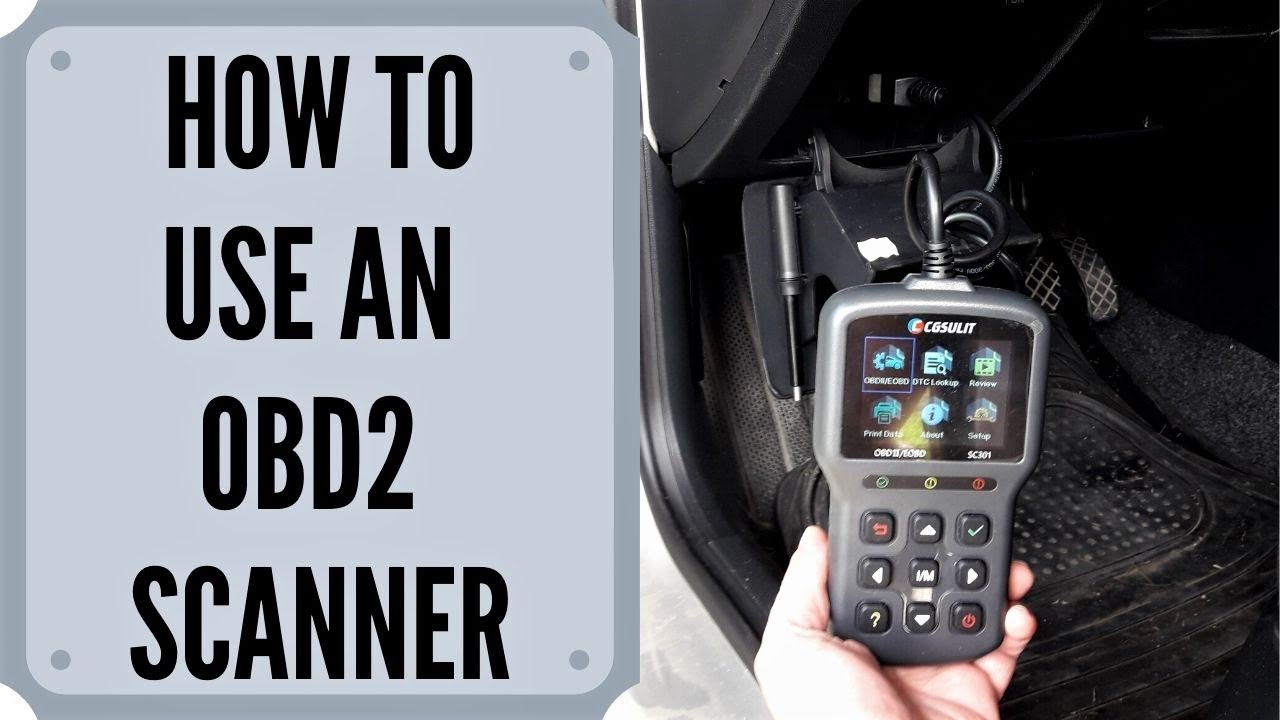
Different tools answer different questions
A basic reader may retrieve generic emissions information. An adapter and app divide hardware and display responsibilities.
An enhanced scanner may add selected manufacturer-specific systems.
A professional platform can still have application limits.
Compare documented functions rather than assuming a larger screen or a higher price provides every possible diagnostic capability.
Credit: m.youtube.com
Recognize the evidence available
The common categories below are useful for different reasons. Keeping them separate prevents a frequent mistake: treating every screen as a direct diagnosis. Record the category, source module, units and operating conditions where relevant so a later reviewer understands exactly what was retrieved.
Codes identify detected conditions
A diagnostic trouble code records a condition recognized by the vehicle's monitoring logic. Preserve its full identifier and status. A circuit or sensor name in the description is not enough to authorize replacement. Vehicle-specific tests may be needed to distinguish the component from wiring, supply, mechanical or related operating causes.
Live data supports comparisons
Current readings can help test a hypothesis when the parameter, units and conditions are understood. A warm engine and a cold engine should not be compared casually as though the values must match. Some values are calculated. Some are unsupported. The scanner cannot make an unfamiliar number meaningful without the relevant procedure and context.
Readiness describes completed monitoring
Readiness indicates whether supported emissions checks have completed, not whether every vehicle component is healthy. Texas DPS explains incomplete monitors and the role of vehicle operating conditions. A recently cleared vehicle may need its prescribed monitoring process. Inspection acceptance is determined by the applicable program, not a universal scanner color.
Clearing changes evidence rather than repairing faults
An erase command can remove diagnostic information and affect readiness. Use it only at an appropriate stage after preserving the record and addressing the condition. California BAR’s reference explains that permanent diagnostic records have vehicle-controlled verification rules. Repeated clearing is not a substitute for completing the necessary repair and checks.
Turn information into a better decision
The reader is most useful when it narrows uncertainty. It might establish that a warning has a retrievable record, show that a monitor remains incomplete or reveal which data must be obtained with another tool. None of those outcomes requires pretending that the scan alone completed a diagnosis.
Avoid parts purchases based on labels
A useful scan can prevent an uninformed purchase if it leads to the correct test first. It can also encourage waste if a description is mistaken for a confirmed cause. Ask what evidence distinguishes the proposed part from other possibilities. The tool saves money only when its information changes the decision sensibly.
Use records to document change
Keep before-and-after information with repair dates and mileage. A later recurring code can then be compared with the original complaint. Do not invent a maintenance interval based on a normal scan; follow the vehicle's service schedule. Electronic monitoring does not replace ordinary checks of fluids, tires or mechanical condition.
Do not expect a performance upgrade
Reading information does not tune an engine or increase its power. Correctly diagnosing and repairing a genuine problem may restore intended operation, but that is the result of the repair. Avoid equating a scanner purchase with better fuel economy or acceleration. A clean report can coexist with unmonitored wear or inefficient driving conditions.
Match coverage to the intended task
Choose equipment after identifying the system and operation you need. A tool that reads an engine code may not reach a transmission controller or perform a service procedure. OBDLink’s compatibility information illustrates why vehicle, software and interface requirements must be considered together. Obtain confirmation for the actual application.
Prefer clear status and exportable evidence
Readable units, code-status labels and useful saved reports can matter more than a long promotional feature list. A report should identify the vehicle and preserve the result without forcing a repairer to interpret an unexplained screenshot. Check what remains available offline or after a subscription changes before relying on it for long-term records.
Check the exact vehicle configuration
Year, engine, market and equipment can change coverage. A connector that fits is only a physical starting point. Ask whether the tool supports the specific module and function, not merely the make. If a seller cannot answer that question, the absence of evidence should remain a limitation in your buying decision.
Compare documented functions rather than brands alone
Two products from one manufacturer can have very different roles. A consumer code reader, TPMS device and workshop tablet should not be treated as interchangeable.
Read the manual for the model under consideration and check the required accessories or software. A brand reputation does not establish the particular function your vehicle needs.
Separate useful information from common promises
Several claims exaggerate what a scan can prove. Recognizing them helps keep a modest tool useful. The aim is neither to dismiss scanning nor to treat it as a universal inspection. It is to connect each result with the question it can actually answer.
A scan is not a complete mechanical inspection
The reader cannot directly inspect every hose, bearing or seal. It cannot prove that a tire is undamaged.
A symptom may require a pressure test, electrical measurement or physical examination. A no-code result only says what that session retrieved.
It does not establish that every module was queried or every possible fault was monitored.
A fault description is not a diagnosis
Imagine a warning accompanied by a code whose description names a sensor. The next step is the applicable diagnostic test, not automatic replacement.
Now imagine the same warning with no result from a basic reader. That may call for broader coverage or another type of assessment.
Both situations require reasoning beyond the screen.
The absence of a simple answer is not a reason to clear evidence.
Credit: www.thedrive.com
Treat advanced capability as a separate responsibility
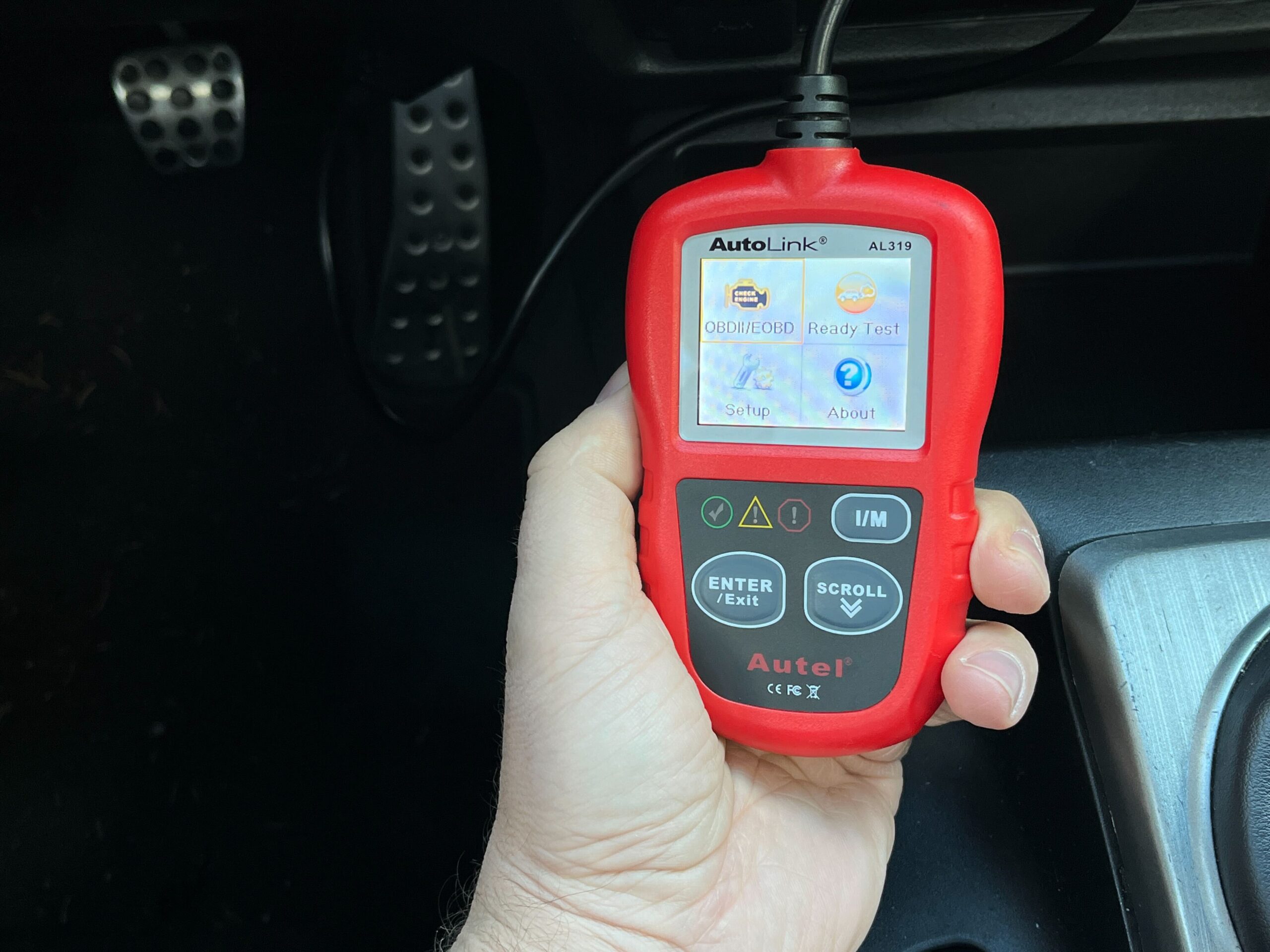
Some equipment can command components, reset learned values or program modules. Those functions need confirmed coverage, correct prerequisites and an appropriate operator. Their presence in a menu does not mean they should be tried during an ordinary owner scan. Reading and changing vehicle behavior are different levels of intervention.
Software improvements do not remove physical limits
An update may improve decoding or supported coverage, but it cannot repair a damaged diagnostic socket or add missing hardware. Check official release notes for the exact model. Preserve reports before maintenance and do not install files intended for another device because its name looks similar.
Phone convenience adds connection questions
An app-based reader depends on the phone, permissions, wireless method and adapter as well as the vehicle. Successful pairing does not prove that vehicle information is arriving. Keep the two links distinct when troubleshooting. Use official software and a supported connection method rather than guessing at PINs or using unrelated apps.
A workshop needs context as well as codes
Bring the symptom timeline, recent repairs and saved report to the appointment. FTC guidance on vehicle repairs supports asking for a clear explanation of proposed work. Say what you observed and what the reader returned separately. This lets the technician test the relationship rather than inherit an unsupported failed-part conclusion.
Judge success by the next question answered
A good scan leaves a clear statement: this vehicle returned these records under these conditions, and these checks remain necessary. For example, a readiness question may be answered without buying a part, while an intermittent running complaint may need recorded data and further testing. The OBD2 definition guide introduces the equipment categories.
The communication guide explains how the information reaches the display. Use those foundations to keep capabilities precise. The scanner supplies evidence; diagnosis connects that evidence to a verified cause and an appropriate repair.


Automotive reference information. Confirm specifications in the manual for your exact vehicle. Original replacement guides link to their research sources. About us


