
An OBD2 scanner can read some transmission-related trouble codes, but that does not mean it can communicate with every transmission control module. The useful question is whether the combination of vehicle, reader and software supports the particular information you need. A basic emissions reader may report a powertrain code while a more capable tool can access additional transmission records and measurements. Neither result, on its own, proves which part should be replaced. If the vehicle slips, loses drive, displays a transmission-temperature warning or shifts dangerously, follow its manual and arrange an assessment rather than continuing a road test to collect numbers.
A code scan is an information-gathering step, not permission to keep using a damaged transmission. This distinction matters when shopping for a reader advertised as OBD2 compatible. Compatibility with standard emissions communication is a narrower claim than complete access to a manufacturer's transmission electronics. EPA guidance on onboard diagnostics describes the emissions-monitoring purpose of the system.
A transmission fault can be relevant to that system without exposing every transmission function through the generic interface. Start by recording the warning, symptoms, vehicle identification and any codes already available. Then establish which controller supplied the information and whether the tool actually supports the next diagnostic step. That approach prevents both unnecessary tool purchases and the equally costly assumption that a blank generic scan means the transmission is healthy.
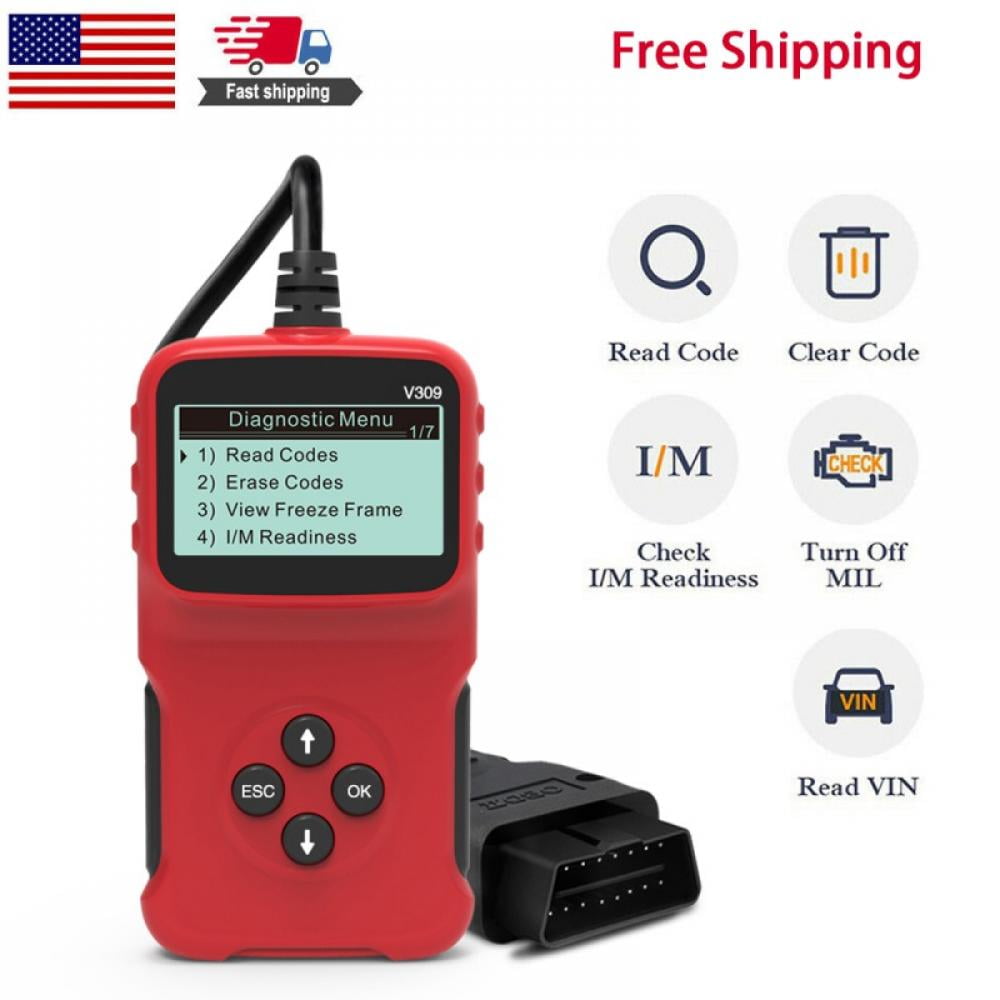
Credit: www.walmart.com
Separate generic powertrain results from transmission coverage
A generic reader normally asks the vehicle for standardized OBD information. Depending on the vehicle and fault, the response may include a transmission-related powertrain code. An enhanced diagnostic tool may additionally identify and interrogate a separate transmission control module, often abbreviated TCM. These are related but different access paths. Some vehicles integrate control functions differently, so do not assume that every transmission has an independently accessible module with the same menu name. Identify the actual architecture using vehicle-specific service information. A code family can help organize the investigation, but its number should be interpreted with the correct manufacturer description and diagnostic procedure. Innova’s code library asks for the vehicle make when looking up manufacturer-specific information.
That is a useful reminder to retain the full code and vehicle context rather than searching only a short screen description. A general transmission-control warning may mean that more detailed information is available elsewhere; it is not a diagnosis of an entire failed gearbox. Likewise, a solenoid or speed-sensor description does not establish that the named component itself is defective. Wiring, supply, connections and related mechanical conditions may need examination under the applicable procedure. Save the original report before clearing anything. Include whether each record was current, stored, pending or otherwise classified by the supported tool. Preserve the warning status and any available event data, because later clearing can remove context that a technician would otherwise use. Before buying, ask the manufacturer a precise coverage question.
Provide the year, make, model, engine, transmission where known and market of sale. Ask whether the exact scanner and software version can access that vehicle's transmission controller, retrieve its fault records and display the particular data required. A brand-wide promise such as supports Ford or works with automatic transmissions is not sufficiently specific. Coverage can change with platform, year, region, software package and subscription. A reader sold for standard OBDII/EOBD work, such as the Foxwell NT301 described by its manufacturer, should be evaluated according to that documented role rather than assumed to be an all-system transmission tool. Similarly, an adapter's physical connection and phone compatibility do not establish enhanced module coverage. OBDLink’s compatibility information illustrates why vehicle, adapter and software requirements must be considered together.
Ask whether a demonstration or written coverage lookup is available for your application. Keep the response with the purchase record. If a requested measurement is absent, clarify whether the vehicle does not supply it, the software does not decode it or the current session is using only generic mode. These possibilities lead to different next steps. When connecting a suitable reader, follow its manual and the vehicle instructions for ignition state and connection. Park securely and keep cables clear of pedals. A stationary code read should not require an owner to operate active transmission commands.
Do not experiment with adaptation resets, clutch learning or output tests simply because an advanced menu displays them. Such functions can have prerequisites, consequences and safety requirements beyond reading a code. Start with identification and saved records. Confirm that the selected vehicle profile matches the vehicle and that the report names the module actually contacted. A successful engine connection does not prove a successful TCM connection. If the tool reports no communication, preserve the exact wording and check documented coverage before interpreting the message as a failed controller. A low-voltage condition, connection problem or unsupported software path may also require investigation.
Do not bridge connector pins or repeatedly change unrelated settings in an attempt to force access. Live transmission data needs an equally careful interpretation. A fluid-temperature value, selected gear indication or speed reading is useful only when its label, units, source and operating conditions are understood. A generic engine-data screen may not include the temperature needed for a transmission-fluid level procedure. Substituting engine coolant temperature is not an acceptable shortcut. A value that seems unusual must be compared with the specification and test conditions for that transmission. Do not assume that a universal internet normal range applies.
Logging several related values may help a qualified technician understand an event, but a phone screen cannot directly measure internal wear or fluid pressure unless the vehicle supplies a relevant supported signal. A displayed value can also represent a calculated quantity rather than a separate physical sensor. If road data is genuinely needed, use a safe logging arrangement and a qualified person; the driver should never operate the scanner while moving. Do not reproduce severe slipping or overheating merely to obtain a more dramatic graph. Consider two common situations. In the first, a basic reader displays a transmission-related powertrain code after the warning light appears. The useful next step is to save that code and obtain the vehicle-specific diagnostic route, which may call for more detailed module access.
Buying the component named in the short description skips the evidence needed to confirm the cause. In the second, the generic reader reports no codes while the vehicle has a transmission warning. The correct conclusion is only that this scan retrieved no codes through that access path. The warning may belong to a system the reader did not query, or the symptom may require mechanical testing. Neither case justifies erasing records or repeatedly driving to see whether the problem becomes easier to detect. Describe when the symptom occurs, whether it changes with temperature and any recent service. Those observations help direct further testing without pretending that the reader has supplied a complete diagnosis.

Credit: www.amazon.com
Choose the next step from the evidence available
Before paying for enhanced software, separate access from interpretation in the seller discussion. Being able to display a manufacturer code does not necessarily mean that the tool includes diagnostic flowcharts, wiring diagrams or repair specifications. Those resources may be separate. Also distinguish a data recording feature from a guided test: recording simply preserves readings, whereas a guided procedure may require particular conditions and equipment. Check how reports can be exported and whether they remain readable after a subscription expires. These practical details matter if a workshop must review the information later. A screenshot without the module name or code status can be much less useful than the complete report. Keep the scope of the result explicit when handing information to a repairer. Say that a generic OBD scan retrieved a particular code, or that a named transmission module returned a particular record, rather than saying the scanner proved the transmission was bad. Attach the report and note the tool model, software version and scan date. If enhanced access is unavailable, ask for a diagnostic appointment that includes the relevant module and any required mechanical checks.
A professional service may be more economical than buying a tool for a single unsupported task. If you expect to maintain several vehicles, compare documented coverage for each one rather than choosing the reader with the longest feature list. For the broader distinction between basic and advanced functions, see what an OBD2 scanner is designed to read. For fluid work, use the transmission-fluid checking guide to understand why the actual transmission procedure matters. A scan result cannot replace a specified level check or identify a correct fluid from a symptom alone. After a verified repair, follow the applicable instructions for clearing records and checking operation. Keep before-and-after reports so a recurring problem can be distinguished from old information. Do not confuse a temporarily extinguished warning with successful repair validation. The practical answer is therefore conditional: a reader may show transmission-related codes, but complete transmission diagnosis requires confirmed coverage, correct interpretation and tests suited to the vehicle. Establishing those limits before using the tool makes the information more useful and reduces the risk of replacing parts without evidence.


Automotive reference information. Confirm specifications in the manual for your exact vehicle. Original replacement guides link to their research sources. About us


