
A KONNWEI scanner should be used according to its exact model manual. The KW808 is the example here because KONNWEI publishes a dedicated KW808 user manual. A procedure for this reader is not automatically correct for another KONNWEI product with different buttons, software or coverage. Identify the label on your unit before connecting it. The sensible first goal is to obtain an accurate record of the vehicle's supported diagnostic information.
That means reading before erasing and recording the context before deciding which part, if any, requires attention. The scanner communicates with the vehicle; it does not independently examine the wiring, measure compression or confirm the condition of every component. If the vehicle has a dangerous symptom or a warning that requires stopping, deal with that first under the owner's manual. A successful scan does not make an unsafe car suitable for a road test.
For routine checking, park securely, locate the correct diagnostic socket and inspect the connector without inserting probes into it. Keep the lead clear of pedals and other controls. Have the vehicle details and your symptom notes available. These simple preparations help turn a screenful of codes into a useful diagnostic record rather than a list of guesses.
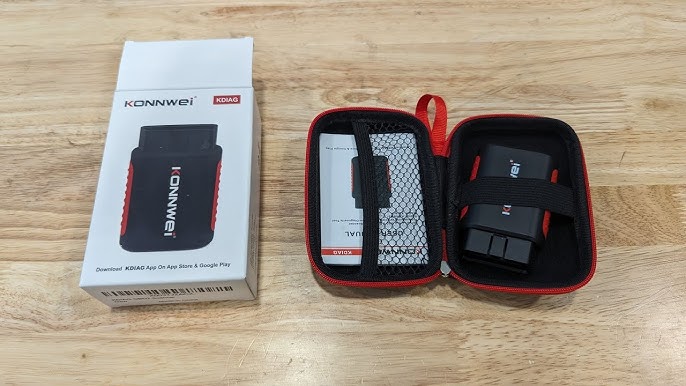
Credit: www.youtube.com
Use the KW808 menus to answer a specific diagnostic question
The KW808 manual describes connecting with the ignition off, then using the ignition state appropriate to the requested function. Its diagnostic menu includes code reading, live information, freeze-frame review and readiness status. The documented Read Codes route uses the scroll controls and ENTER; the erase operation has a separate warning and requires ignition on with the engine stopped. Follow the manual supplied for your version if a screen differs. The point of reading the instructions first is to avoid treating every selection as a harmless view. A command that deletes records has a different consequence from one that displays them. Cancel an unfamiliar confirmation rather than pressing through it to reach the next screen. Begin by establishing the right vehicle and connection conditions.
Record the model year, engine, market and warning that led to the scan. A standardized-looking socket does not establish support for every system or every imported vehicle. OBDLink’s compatibility FAQ is a useful independent explanation of why market and vehicle details matter, though KONNWEI must confirm coverage for its own reader. If the KW808 turns on but fails to link, distinguish power from communication. Check that the connector is seated normally and that the vehicle is in the documented state. Preserve the exact message. Do not assume that an unsuccessful link proves a faulty ECU or a damaged engine. If the prescribed retry does not resolve it, contact the supplier with the tool model, vehicle details and error stage.
Random pin bridging or improvised power connections are not appropriate troubleshooting shortcuts. Read the available records before opening an erase menu. Write down the full alphanumeric code and its category or status exactly as displayed. Include the responding module where the reader identifies one. An abbreviated description can be useful for orientation but should not replace the vehicle manufacturer's definition and diagnostic procedure. If a record refers to a sensor circuit, for example, it does not establish that the sensor alone caused the condition. A wiring or supply issue may need to be considered under the correct test sequence. The EPA’s onboard-diagnostics guidance explains that these records belong to a monitoring system designed around emissions-related operation.
They are evidence of what was detected, not a universal replacement-parts instruction. Keep a photo or written report that you can show a technician without relying on memory. Review freeze-frame information where the vehicle and reader provide it. Label it as an event snapshot so it is not confused with a current reading. An engine speed or temperature stored with a fault may describe conditions that are no longer present when you scan in the driveway. That difference can help explain why the symptom is intermittent. It does not prove that a current value is wrong. Save the relevant data before doing anything that might clear it.
If no freeze-frame record is available, say so; do not fill the gap with assumptions about how the vehicle must have been operating. Note your own observations separately, such as whether the warning appeared after refueling, after a cold start or during a particular trip. Those observations and the electronic record can complement each other without being interchangeable. Use live data only after deciding what comparison you need. A small set of related measurements is generally easier to interpret than a long screen of unrelated values. Retain the units and the conditions of the observation. A number expressed as a percentage can represent a calculated control quantity, not necessarily a direct measurement of a physical opening. A temperature requires the correct sensor identity before it can inform a fluid-level or warm-up decision.
Do not apply one internet normal value to every engine. The relevant service information supplies the test conditions and acceptable result. If the tool says a parameter is unsupported, that is different from reporting zero. If a display is slow or intermittent, do not immediately interpret every jump as an engine fault; communication and sampling also influence what you see. For any running-engine observation, choose a safe ventilated location and remain clear of moving or hot components. Nobody should be operating the handheld reader while also driving. A severe symptom should be assessed without deliberately repeating it to produce a graph.
Logging can support diagnosis, but it does not justify an unsafe test. Stop if the vehicle manual directs you to stop for the warning or if the condition worsens. A technician can choose an appropriate controlled test where more information is necessary. The reader is most useful when it helps narrow a question, such as whether a supported temperature reading changes plausibly during a normal warm-up, rather than when it encourages uncontrolled experimentation. Readiness is another distinct result. A supported emissions monitor can be complete or incomplete, while a monitor that the vehicle does not support belongs in a different category. Texas DPS explains readiness and drive-cycle limitations.
An incomplete monitor after codes were erased does not automatically mean the monitored component has failed. It may mean the conditions needed for its test have not occurred. Conversely, a completed monitor is not a certificate of overall vehicle health. Keep readiness and trouble-code results together and use the inspection requirements applicable to your jurisdiction. Do not change display settings, repeatedly clear records or follow a generic high-speed driving recipe to make the screen appear ready. The vehicle-specific process and any unresolved fault determine what should happen next. If a repair has been verified and clearing is appropriate, preserve the initial report first and follow the documented erase procedure.
Understand that deleting diagnostic information can remove context and affect readiness. Do not treat a cleared warning as evidence that a repair succeeded. Recheck under the conditions prescribed for the vehicle and retain the new report. If the same condition returns, the next step is further diagnosis, not another cycle of erasing. Some permanent diagnostic records are controlled by the vehicle's verification process and are not removed by ordinary clearing. Older terminology in a tool document should not be used to assume that every stored record behaves identically. If the distinction matters for an inspection, obtain the actual record type with a tool and procedure that support it.
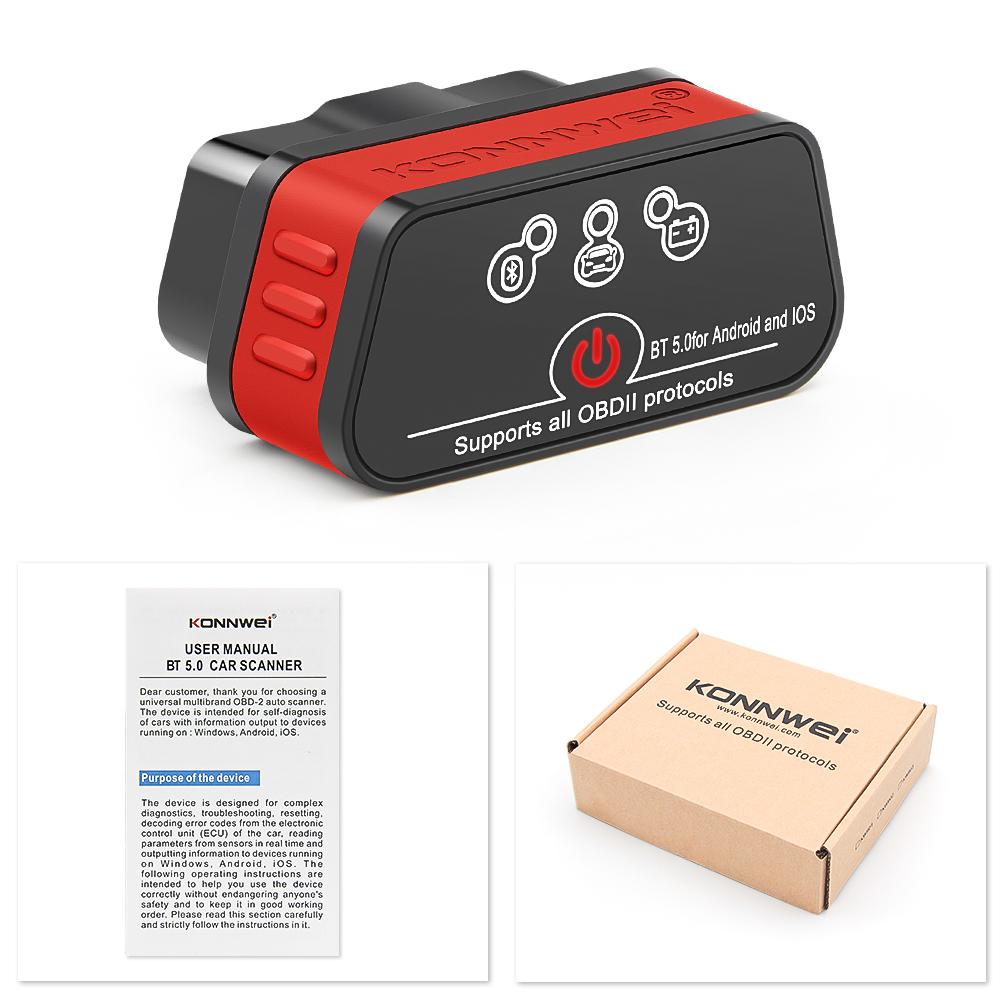
Credit: www.joom.com
Turn the results into a useful repair plan
At the end of the session, separate what you know from what remains untested. You may know that a particular module returned a code, that a supported monitor was incomplete or that a measurement changed under a recorded condition. You may still not know whether the cause is electrical, mechanical or related to another system. Write those limits into the handoff rather than presenting a guess as a confirmed diagnosis. Include the scan date and mileage so later evidence can be compared accurately. The FTC’s auto-repair guidance encourages clear explanations of proposed work and its cost. Ask which test supports a recommended replacement and whether the saved information changes the diagnostic plan. If the KW808 lacks access to the relevant system, arrange a more suitable assessment instead of forcing the generic menu to answer a different question.
For example, an ABS warning needs documented ABS coverage and the appropriate procedure; an engine-code reader's clean result cannot settle it. Keep the reader's manual and purchase information with the tool so another household member does not confuse model-specific instructions. Use official KONNWEI support for any supported software maintenance and verify the exact package before installing it. Do not assume that a firmware change turns a generic reader into a full-system platform. Our guide to reading live OBD2 data explains the importance of conditions and units. The INC readiness guide covers a common status that can be mistaken for a fault. A careful KW808 session should leave you with preserved evidence and a narrower next question, not merely a dashboard light that has been temporarily switched off.


Automotive reference information. Confirm specifications in the manual for your exact vehicle. Original replacement guides link to their research sources. About us


